
💥💥New Inclusive Ed Tech Handbook💥💥 (& Locking Your Computer Screen)
Welcome back everyone. Hope you all had a relaxing and restorative spring break.
Inclusive Ed Technology Handbook
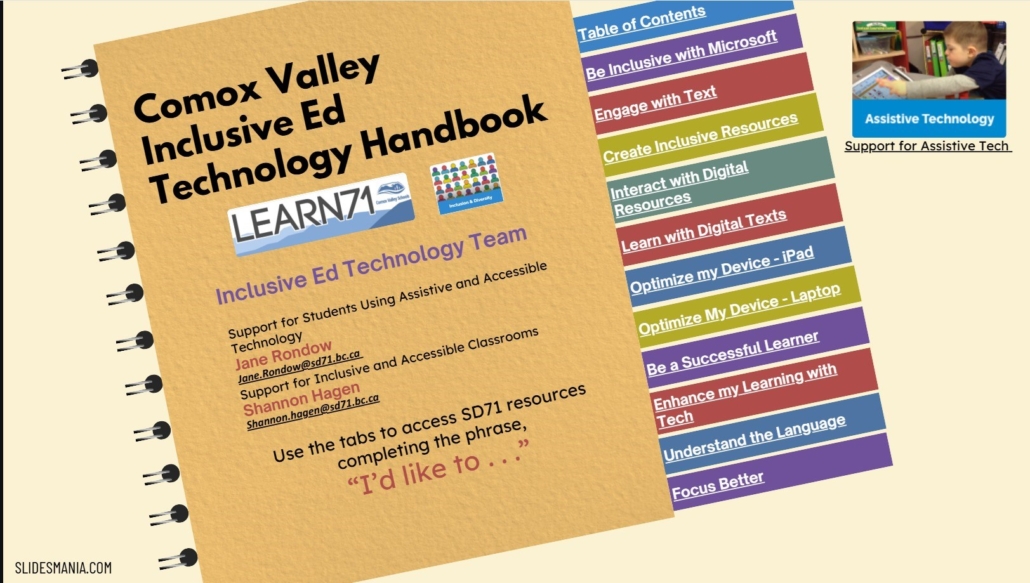
Today’s Tech Tip highlights something that has been a true work in progress for over a year! In addition to the Teacher Technology Handbook and the Parent Technology Handbook, we’re excited to introduce the Inclusive Ed Technology Handbook, created by Jane Rondow and Shannon Hagen.
This handbook is packed with amazing links and supports designed to help ensure all learners can be successful in the learning environment. Even if you’re not sure which specific resource or tool you’re looking for, the handbook is designed to make it easy—just complete the phrase “I’d like to…” with your Inclusive Ed goal in mind and click on the tab on the right to navigate to the resources.
The handbook is organized by content rather than tools, with clickable tabs that take you directly to what you need. Each section includes a variety of resources (including videos and print resources), links, and tools related to that area of support, making it quick and intuitive to explore.
If you would like to explore any of these tools or resources further, don’t hesitate to reach out to Jane Rondow or Shannon Hagen.
Click on the image below to access the page housing the Handbook (scroll down . . .)
Quick Way to Lock Computer Screen
The next item in today’s tech tip is a simple keyboard combination that allows you to quickly lock your computer screen before you walk away from it. With the increase in awareness in the importance of privacy & security, this is an easy way to ensure nobody but you has access to the information on your computer.