
MyEd Contact Lists for Outlook & Remembrance Day Activities
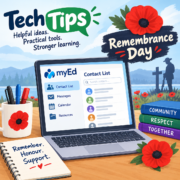
Need to know how to create a contact list for Outlook from your MyEd classlist – pretty simple with the steps explained in a video.
Remembrance Day is just around the corner. Explore some of the K-12 Canadian resources below for classroom use.
📧 Creating Contact Lists from MyEd
How many of you have manually typed in email addresses into Outlook (especially parent ones) becuase there was no easy way to just copy and paste them from MyEd or an Excel spreadsheet. Using the directions from the video below, you now can. This can be done by classroom teachers exporting class contact lists, district level staff creating snapshots or even coaches from a group created for your team. Watch the video below to learn how . . . scroll down for instructions on how to create snapshots and download contact lists.
🌸 Remembrance . . . Canadian Activities & Resources
Just as we are rebuilding our Halloween page on Learn71.ca, we are doing the same for our Remembrance Day page. In the meantime, below are some K-12 resources to meaningfully help students learn about Remembrance Day.

The Memory Project
A collection that gathers together primary source testimonies of veterans from the Memory Project Archive and connects students through videos, photographs, and classroom activities.
Veterans Affairs Canada
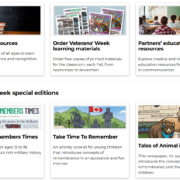
History, people and stories and access to classroom materials for K-12 for lesson plans, videos, activities, and printable resources to help students understand the price of Freedom.

If These Walls Could Talk – Video
This video from the Canadian War Museum is a powerful teaching moment to help students understand that memorials are more than buildings or monuments; they are places where stories, and memories are preserved.
Royal Canadian Legion – Contests
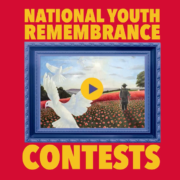
Contests for Canadian youth to honour Canada’s Veterans and foster the tradition of Remembrance through visual art, writing, and video. Click on the image or title to explore more.
If you have a Tech Tip to share or you would like help with technology, please email us:
 Kara Dawson (she/her/hers)
District Information Technology Support Teacher

 Jane Rondow (she/her/hers)
SD 71 District Inclusion Teacher (Assistive Technology)
