

Think Before You Click: Digital Safety for All of Us
Digital Citizenship Week is October 19–23! It’s a great opportunity to help our students think about how they can be safe, responsible and thoughtful digital citizens, but it’s also a good reminder for all of us to take a look at our own digital habits. From protecting passwords and recognizing scams to thinking carefully about what we share online and how we use AI, we all have a role to play in keeping our digital world safer. Read on for some great resources and easy ideas you can use with your students, along with a few digital safety reminders for yourself!
Try Something with Your Students
Digital citizenship doesn’t have to mean a big lesson. Even a quick class discussion or activity can get students thinking about topics such as online privacy, passwords, digital footprints, misinformation, responsible AI use, online kindness, healthy technology habits and recognizing scams.
Common Sense Education’s Digital Citizenship Week resources include free, ready-to-use activities for different grade levels, making it easy to find something that works for your class.
You can also explore our Learn71 Digital Literacy & Cyber Safety resources for lessons, activities and resources that can be used throughout the year.

Digital Citizenship Is for Grown-Ups Too!
While we’re reminding students to make good choices online, this is also a perfect time to check our own digital habits. Use strong, unique passwords, use multifactor authentication when available, keep devices updated, and take a moment before clicking unexpected links or attachments.
And in a school setting, always think carefully about student and staff information. Consider what you’re sharing, where you’re sharing it and what information you’re entering into online tools, including AI tools.
🎣Learn about phishing, quishing, smishing and whaling-don’t get caught: Don’t take the bait: Recognize and avoid phishing attacks
GetCybersafe.ca – check this site out for loads of information about how to protect yourself. Read up on Phishing, Securing your Accounts and Devices and more!
…and for families!
Digital citizenship doesn’t stop at school! Families play an important role in helping children build healthy, safe and responsible online habits. Our Keeping Kids Safe Online page has information and resources that you can share with families to help them navigate topics such as social media, online safety, screen time, gaming and other digital challenges at home.
Keeping Kids Safe Online – Learn71
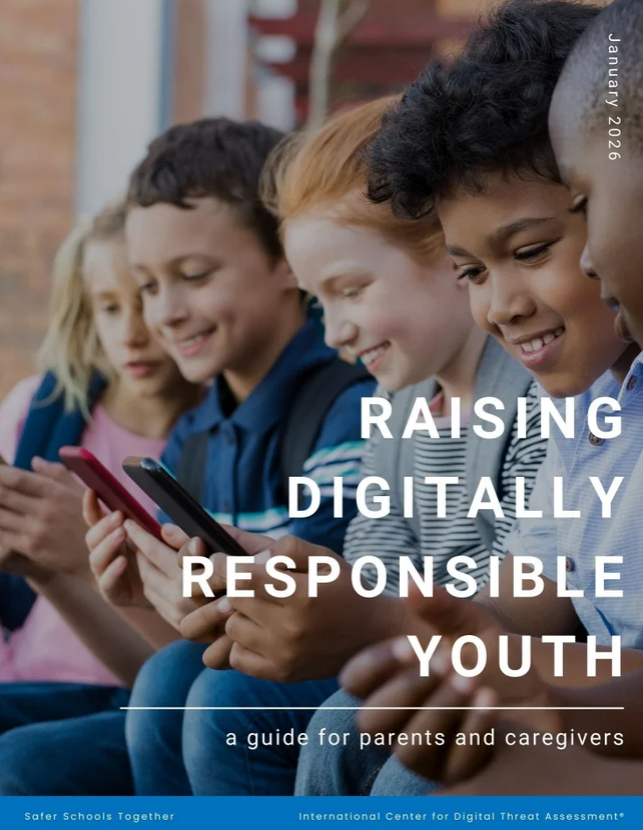
This downloadable guide is also a super resource for parents:
Digital citizenship isn’t just something we teach. It’s something we practice every day.
If you have a Tech Tip to share or you would like help with technology, please email us:
 Kara Dawson (she/her/hers)
District Information Technology Support Teacher

 Jane Rondow (she/her/hers)
SD 71 District Inclusion Teacher (Assistive Technology)

