
Exciting New Canva Magic Features!
I hope everyone had a relaxing and fun Spring Break and that you are all recharged. Right before the break I watched a Canva presentation about their new features and I have been waiting to tell you about them. They are so awesome-you are going to freak out! Canva has used AI to create what they are calling AI Magic! Visit Canva using your free account to try them out. Most of these features have a link on the front page to try them.
New Features in Canva:
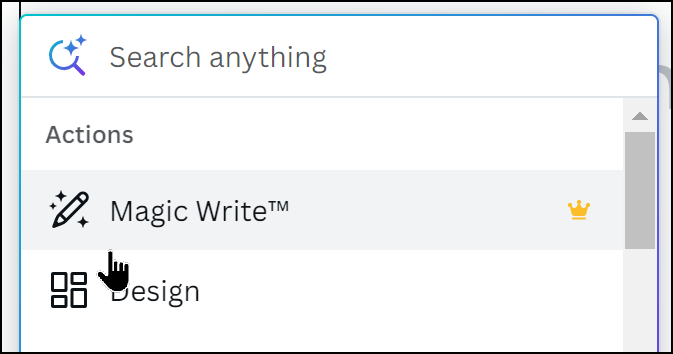
1. Magic Write – Explain what you would like written and let Canva write it for you. This feature is not available in student accounts. It is available in all of your Canva design projects though. Let it write your poems, speeches…
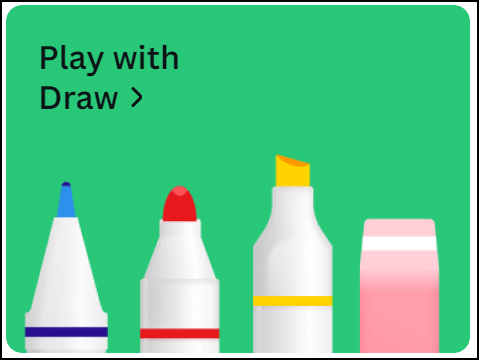
2. Magic Draw – You can now do freehand drawing on your designs and more excitingly you can draw when you use the group Whiteboard. Shape assist will help you make perfect shapes. The Whiteboard feature is great for brainstorming and for students to create Mindmaps!
3. Magic Design – Start by uploading an image and look at the designs that Canva creates for you to help you get started.

4. Magic Presentation – Describe your presentation topic and let Canva create it for you! Then you can tweak it by changing the style and colours. I asked it to create a presentation on how to use Canva in High School Education and it created this: Kara’s Magic Presentation
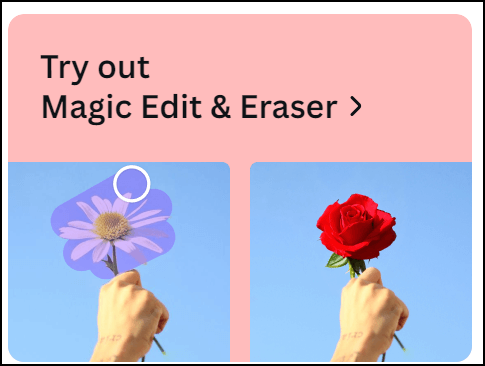
5. Magic Edit and Eraser – this is my favourite! You can change part of an image by brushing over it and telling it what you would like to have there. In the picture they share they change a daisy to a rose in a hand!
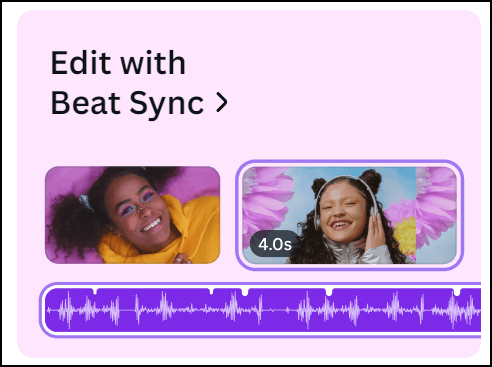
6. Beat Sync – create a video in Canva then Canva will add the music that syncs perfectly with your video! It really does seem like magic!
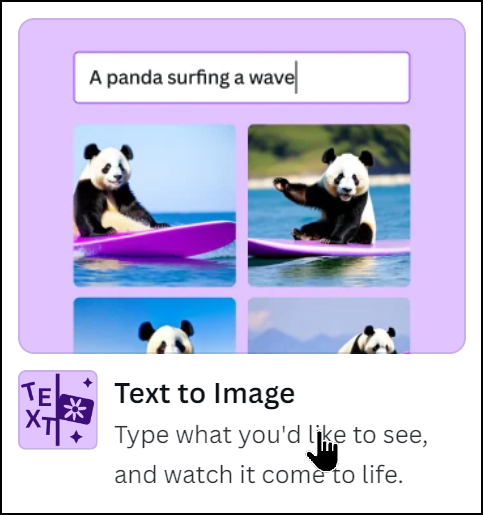
7. Text to Image – Describe the image you would like and it will create it for you. To find this one you need to click on Apps on the left and choose Text to Image.
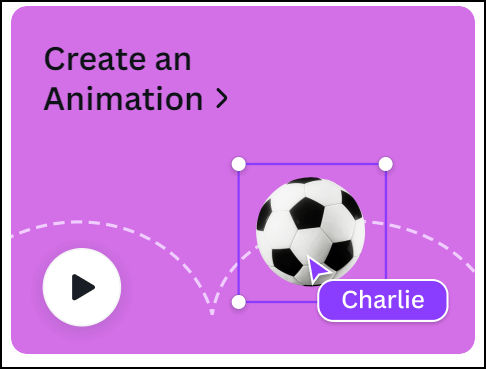
8. Create an Animation – Just choose an element that you would like to move, drag it across your screen to make a path and it will move during your presentation or video.
There are a whole bunch of other new features as well like Translate, magic resize, bulk create, layer and gradients but these are some of my favourites. You can watch the highlights of the presentation that I watched by clicking here.