
 Tuesday Tech Tip – MyEd Resources / Moving Project to New Team in Canva
It’s hard to believe we’re already in October! With a later start to the school year and a Pro D Day in the middle of September, the month seemed to pass in the blink of an eye. Below are a few updates and reminders that would typically have been shared during the first month of school.
 MyEd BC Resources
Looking for help with MyEd BC? Learn71.ca provides a wealth of resources, including downloadable guides, tutorials, and support materials. Start with the “Basics” and “Beyond the Basics” sections below, or explore the full resource library.
🔰Basics
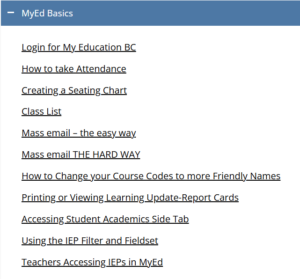
This is a great set of resources at the beginning of the year when you want to print a class list, set a seating plan, or email parents from a class list.
🚀 Beyond the Basics
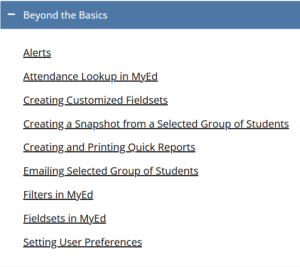
This is a great set of resources to use throughout the year to customize your use within MyEd.
🧰 MyEd BC Resource Library
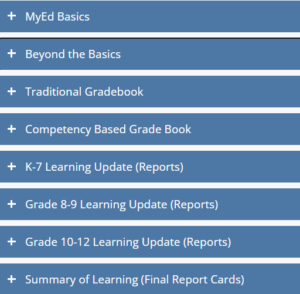
Use this during Learning Update time to learn how to enter marks for report cards.
 Moving Content in Canva to New Location
More and more staff are using Canva to create engaging presentations, handouts, and other visual resources. If you move to a different school or district location, your Canva designs may not automatically appear in your new Canva account. Fortunately, you can easily copy your existing designs to your new location to ensure continued access.
Watch the video below to learn how to copy projects to a new “team” (location or school)
NOTE: If you are copying over multiple projects, move them all into one folder, then copy the folder to the new team.