
Some Silly Spring Fun with Online Easter Eggs
Who said Easter Eggs are just for kids? Google Easter eggs are hidden messages or features that can be found on the Google search engine or other Google products. They are a fun way to engage students and add a bit of humor to your class. They are also a bit more fun than the T-Rex game we see kids play when the internet is down.
Here are my favourite ten Google Easter Eggs (yes there are more). Most of these work better if you start from the Google home page (https://www.google.com/):
-
- Barrel roll – Type “do a barrel roll” into the Google search bar and watch the page spin around.
- Google Snake Game – Type “Google Snake Game” into the Google search bar and click on the “Play Snake Game” button that appears at the top of the search results. This will take you to a classic game of Snake that you can play right in your browser.
- Google gravity – Type “Google gravity” into the search bar and click on “I’m Feeling Lucky” and watch the Google homepage fall apart.
- Google sphere – Type “Google sphere” into the search bar and click on “I’m Feeling Lucky“then watch the Google homepage turn into a 3D globe.
- Atari breakout – Type “Atari breakout” into the Google image search bar and click on “I’m Feeling Lucky” then play a game of classic Atari breakout.
- Blink HTML – Type “Blink HTML” into the search bar and scroll down to watch the search results blink.
- Askew – Type “askew” into the search bar and watch the page tilt to one side.
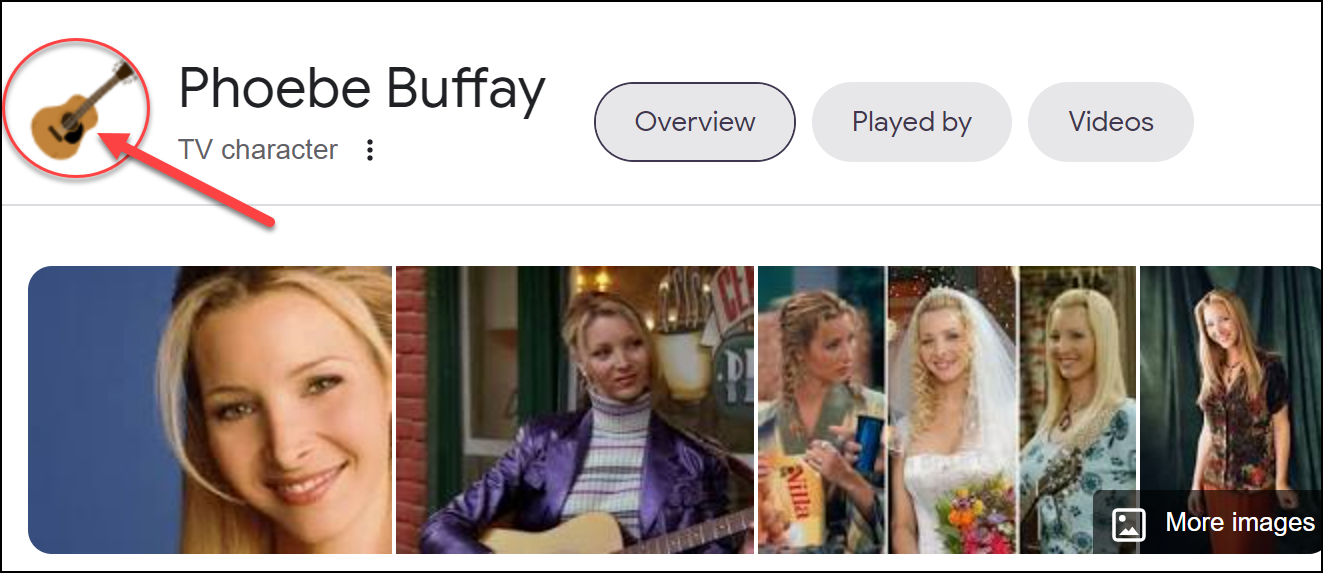
- Friends – This one is for fans of the classic show Friends. Type in the name of any of the main characters, then click on the image to the left of their name:
- Google in 1998 – Type “Google in 1998” into the search bar and click on “I’m Feeling Lucky“ then see what the Google homepage looked like in its early days.
…and last but definitely worth checking out…
- Cha Cha Slide – Type in “Cha Cha Slide” and click on “I’m Feeling Lucky“ then click on the microphone you see at the top right. This one is super fun! Go through the whole song and have your class do the movements 😊