Reading Coach, AI Assignments and Rubrics in Teams and more Unbeatable Microsoft Updates
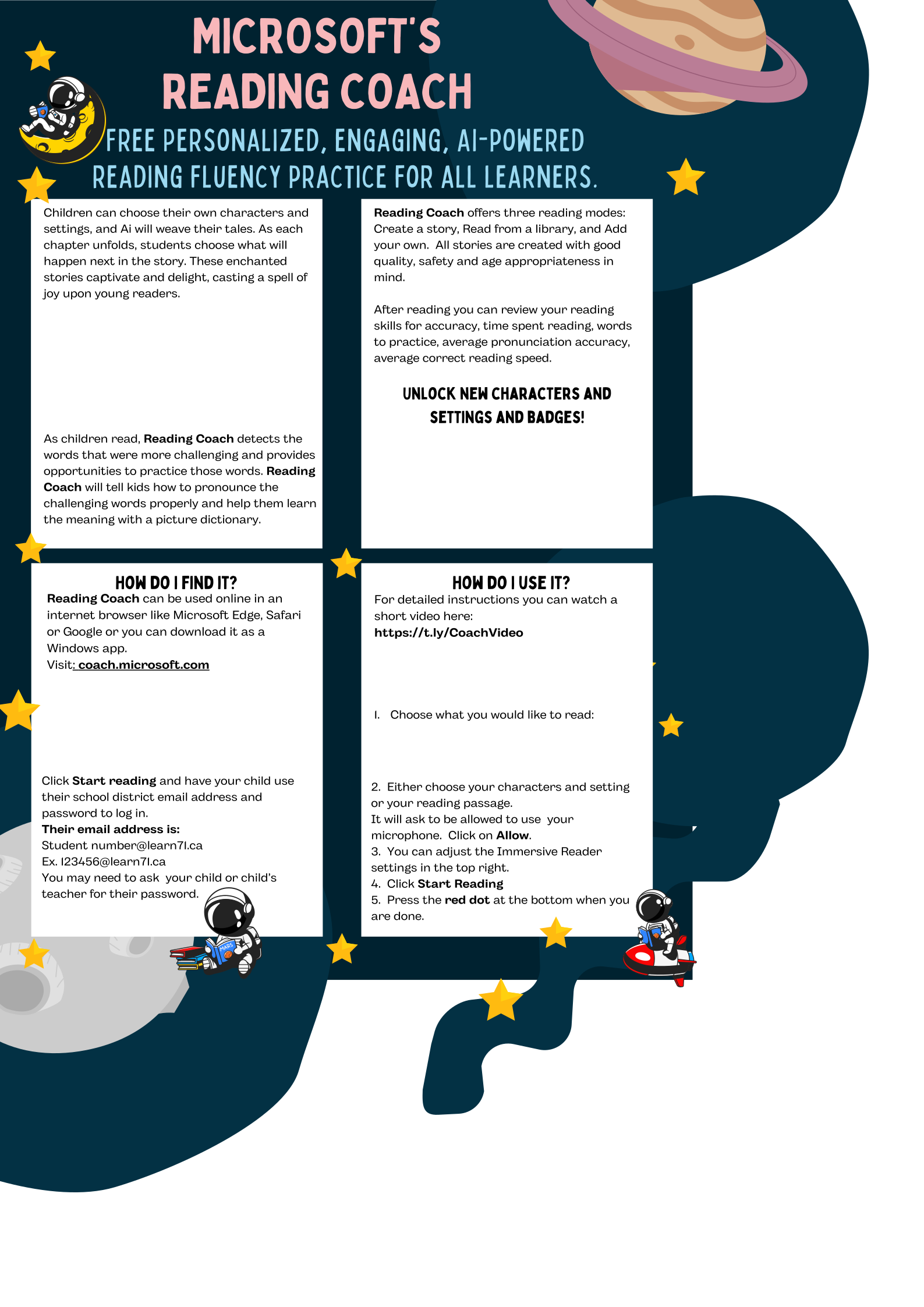
I am super excited this week to share the new Microsoft updates with you! Those of you using Reading Progress should see AI Generated Passages as one of your reading passage options and the program will keep track of the words students are struggling with and will add those words to new reading passages (I know, this is so cool!). Teams Assignments now have AI generated assignment descriptions! You choose your topic and let it run, add sparkle, more details, step by step instructions and then have it make a rubric for you! (Sorry about the exclamation marks-I’m really excited about these!) Reading Coach has also been released. This is a low maintenance, stand-alone reading accelerator that students can use at school and at home on their own! Please watch the short video below for more details and share the Reading Coach poster with parents.
Click here to read the new Microsoft Updates in May.
Here is a video about the Teams Updates-they are awesome!
…and Reading Coach