
 With Canva for Education, you can create the most engaging lessons and run activities for students in-class or online. Access thousands of templates for any subject, grade, or topic, and enjoy all of Canva’s premium features for free.
Canva Login
Resources to get You Started
-
- Design School – Start here to watch videos or take courses to teach you the skills you need to start using Canva. You can even direct your students here for support for students.
- Educator Resources
- Student Tutorials
- Bulk Create in Canva
- Canva Templates
- Teachers Work Kit – learn how to make Podcasts, Quizzes, see classroom management tools and more
- Canva_Transform into Doc – Use the Magic Switch to transform creative designs into text based docs.
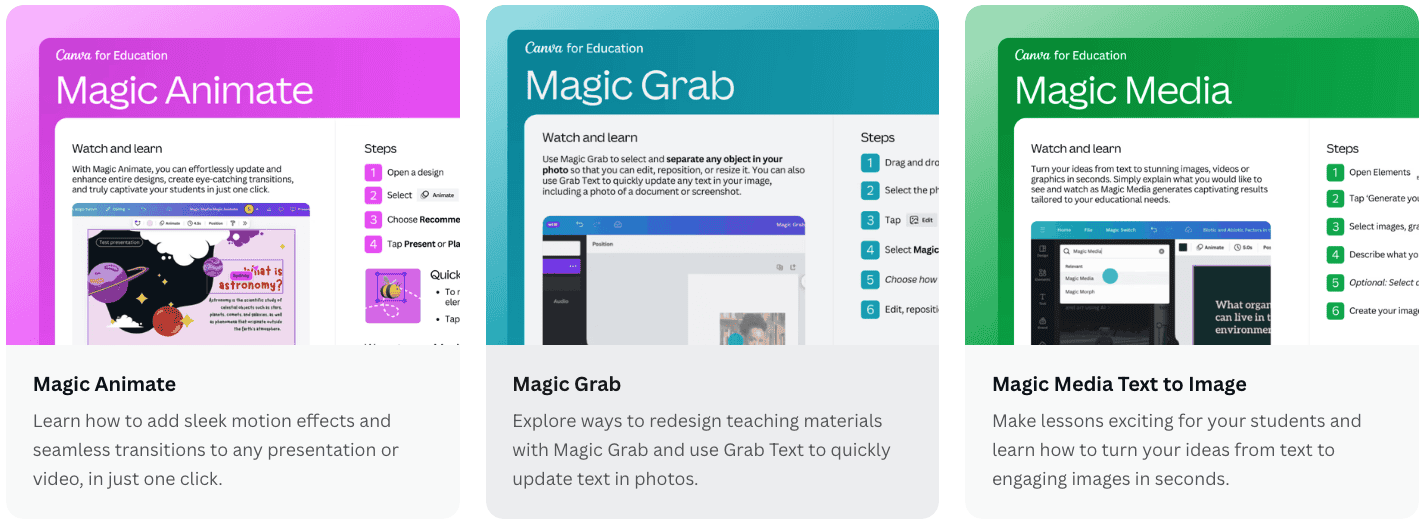
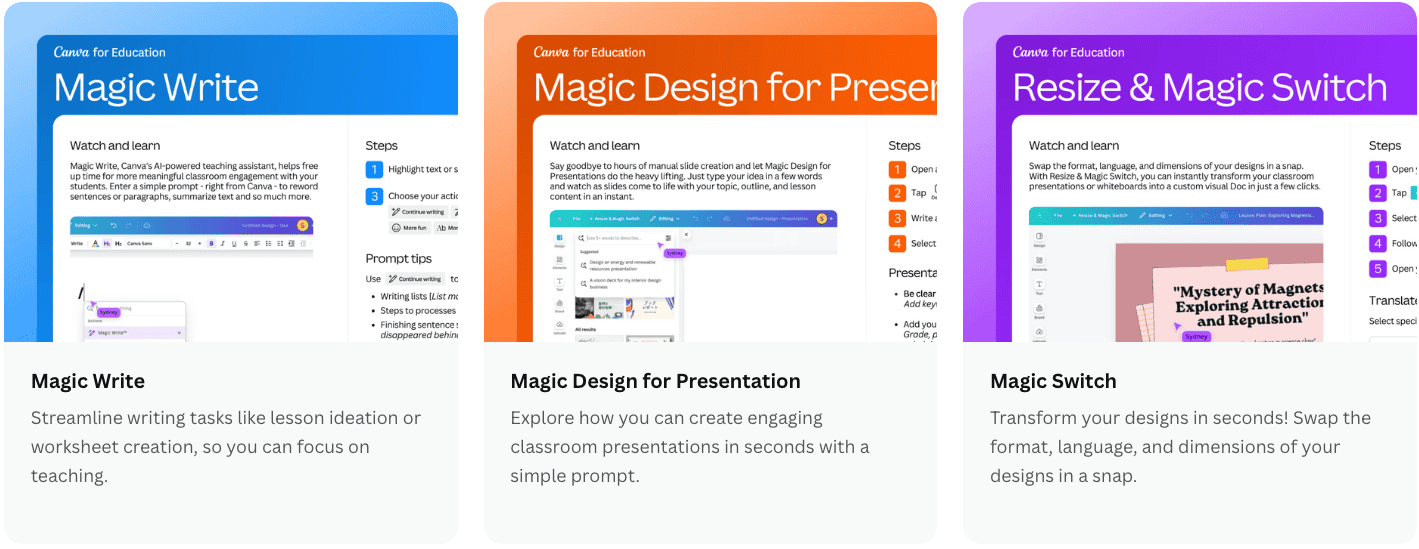
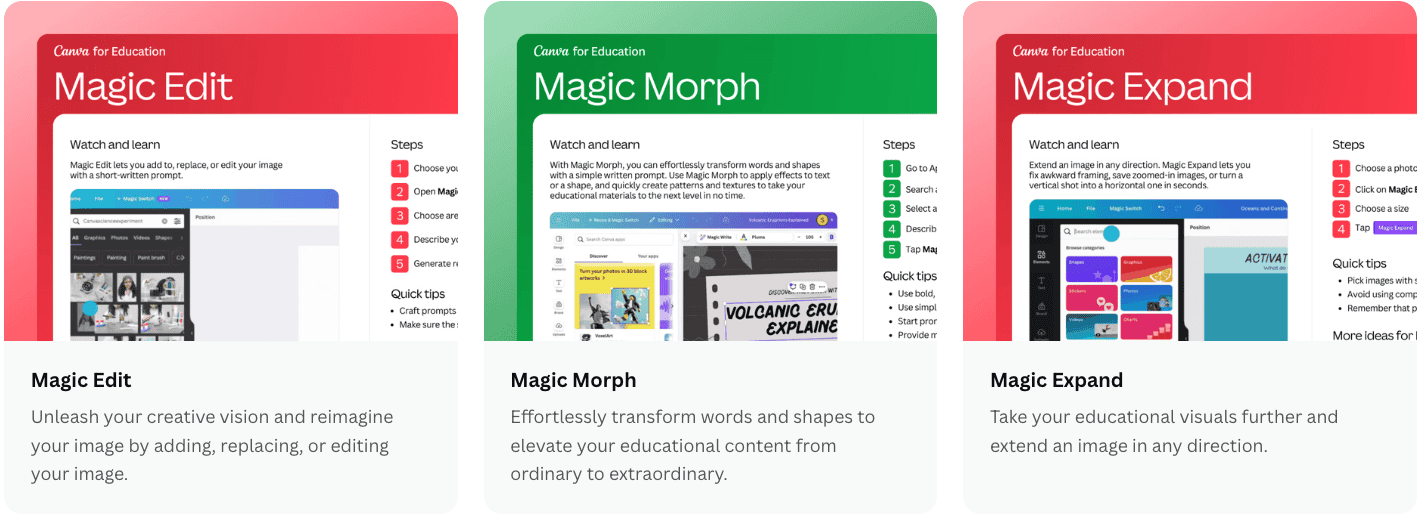
Canva Magic Studio Teacher Guides
Canva Built-In Accessibility Features
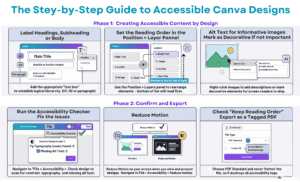
Canva isn’t just great for making posters and slides—it also has some really handy accessibility features that help make your materials easier for all students to use. The best part? Most of them are simple and quick—no extra tools or training needed.
Canva isn’t just great for making posters and slides—it also has some really handy accessibility features that help make your materials easier for all students to use. The best part? Most of them are simple and quick—no extra tools or training needed.
You can:
- ️🖼️ Add alt text to images for screen readers
- 🎨 Check colour contrast, so text is easier to read
- 🔠 Choose clear, readable fonts for all learners
- 🔍 Use the Accessibility Checker to catch issues before sharing
- 💬 Use the Position > Layers option to manually order text so the reading order is correct for text-to-speech and screen readers
- 💥AND so much more
Click the image below for a downloadable version, or use the link for a text-based copy of the Accessibility Tools in Canva.
Small tweaks in Canva can make a big difference for student understanding—and they only take a minute or two!
 Let’s Try Deck. Click image to access deck to practice on.