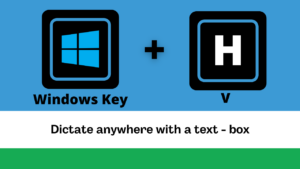
Clean Up Your Email Autocomplete & Dictate Anywhere with Windows + H
Deleting Autocomplete Email Addresses
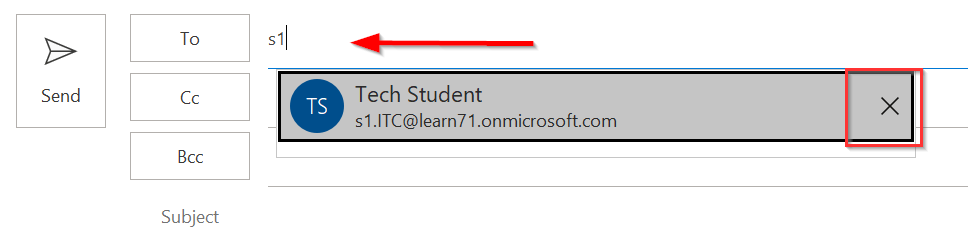
Have you ever noticed that Outlook sometimes automatically finds and completes email addresses for you? This is great if the email addresses are correct or relevant, but as we accumulate email addresses throughout the year, we often have “suggested” emails we no longer want. Sometimes we even accidentally click on those emails and either have an email sent to the incorrect address OR not sent at all.
Good news, these can easily be deleted. It is as easy as clicking the “X” next to the recipient’s name when the mouse is hovered over it. This will prevent the recipient’s name from showing up at the top of your list and you accidentally clicking it.
Windows Key + H – Dictate Anywhere
Do you like to use “Dictate” in the Microsoft Office products but it doesn’t work once you’re in other applications or on the internet.
💡 Did You Know…?
🔉 ⌨ Windows has a quick key combo that allows you to use speech-to-text in any text box available. This magic combo is Windows Key + H.
Want to learn more about this? Use the link below to navigate to the learn71.ca page.
Keyboard Combo to use Speech-to-Text in any Text Box> Windows Key + Letter H