
What is Copilot?
Copilot is Microsoft’s AI assistant that you can use on its own and it is built into tools like PowerPoint, Word, Excel and OneNote. It can help you write, summarize, brainstorm and organize your work. Students ages 13+ also have access.
What can it do?
✉️ Draft emails
🧠 Brainstorm ideas
📄 Summarize content
✏️ Rewrite text
📊 Organize information
Where to find Copilot?
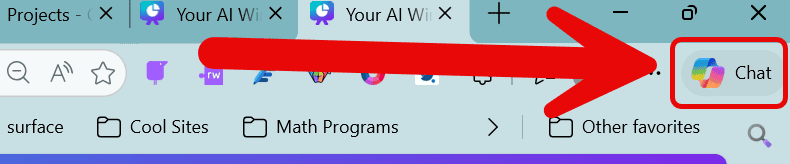
 In the Edge browser top bar:
Look for the icon in the top right:
In Microsoft Apps:
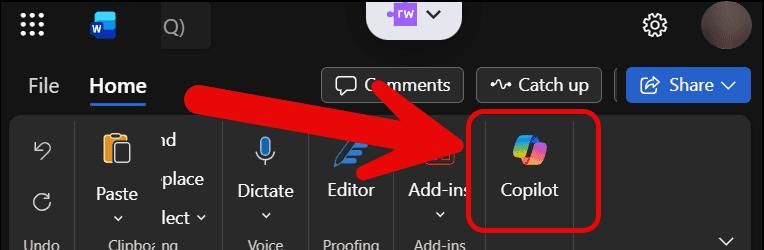
Look for the icon in the top right.
In any browser on the Web:
If you are using another browser you can find Copilot by going to: copilot.microsoft.com/
Sign into your Microsoft Comox Valley School District Account with your district email address and computer password to log in.
What’s Inside Copilot?
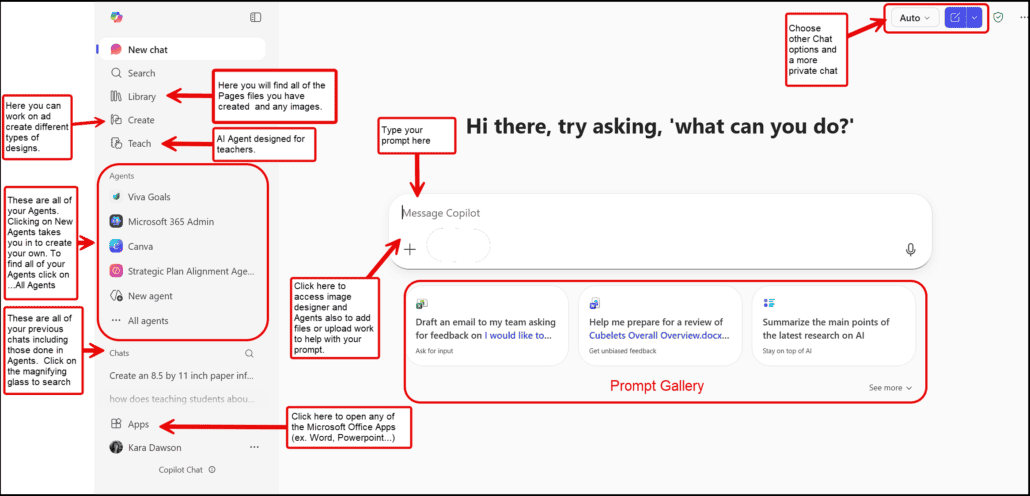
Use this diagram to to see all the features you find when you open Copilot
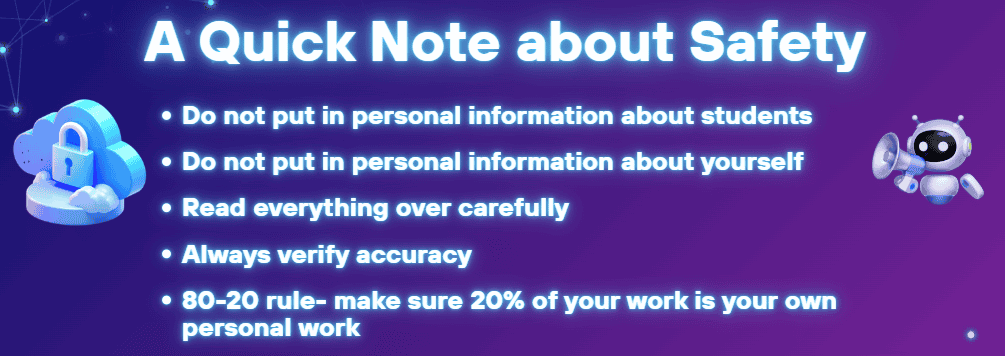
Some Basic Reminders:
Some Example Prompts to try out:
- Create a simple 30‑minute lesson plan on photosynthesis for grade 5 students. Include learning goals and a hands‑on activity.
- Draft a friendly email to parents reminding them about the upcoming field trip and what students need to bring.
- Rewrite this paragraph in kid‑friendly language suitable for grade 4 students: [paste text].
- Give me three quick formative assessment ideas to check understanding of fractions.
- Create a list of five engaging discussion questions about the novel Wonder for grade 6 students.
- Give me a fun creative writing prompt about exploring a mysterious island.
- Improve the clarity and professionalism of this memo while keeping the tone friendly: [paste memo].
- Write a short, polite phone script for answering calls about student attendance.