
Copilot Teach
Use Microsoft Teach to build lesson plans, quizzes, rubrics, flashcards, and more all in one place.

Microsoft Copilot Teach is a space inside the Microsoft 365 Copilot app where teachers can quickly create lesson plans, quizzes, rubrics, and more. You can also improve existing materials by adjusting reading level, adding examples, and differentiating for your learners. Everything you create is saved, and helpful resources are built right in.
Where Can I find Teach?
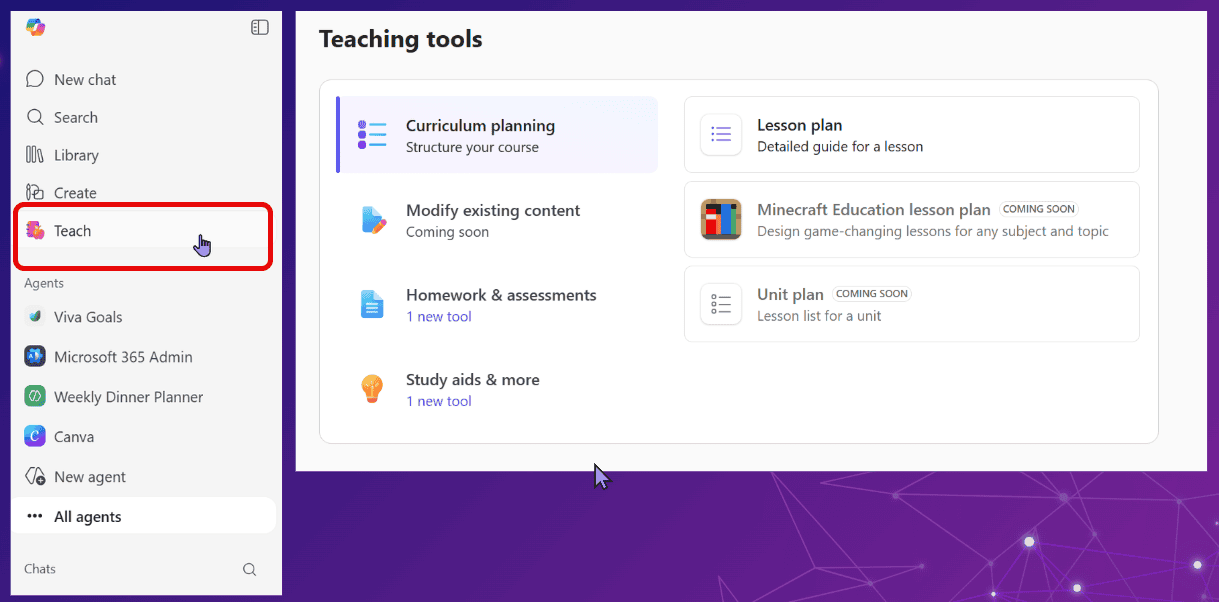
Open Microsoft Copilot and if you are logged in as an educator you should see it on the left:
How to Use Teach
Basically you follow the steps for the tool that you choose.