
Customize Your Hub71 Class Website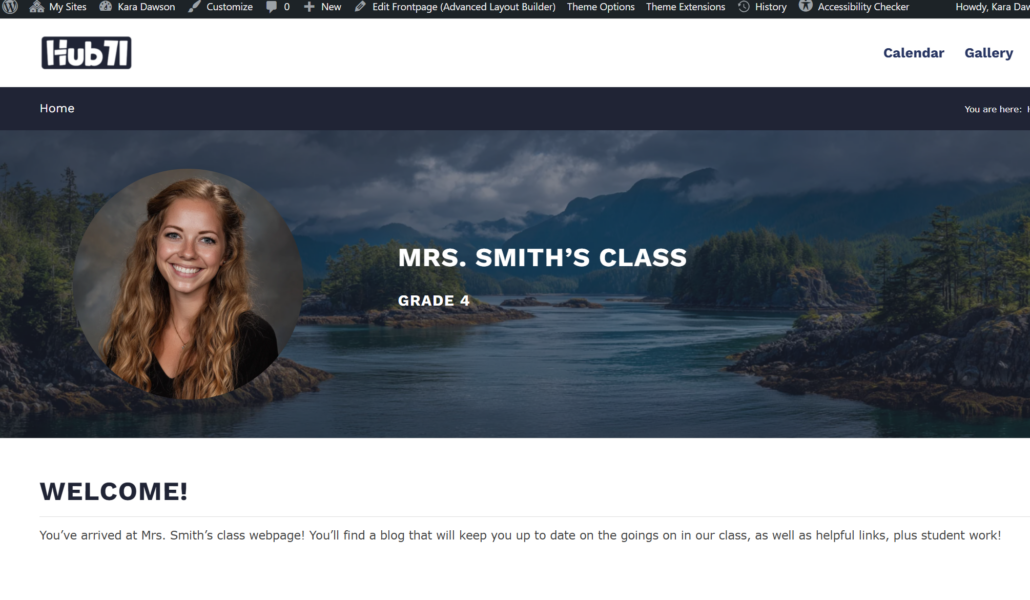
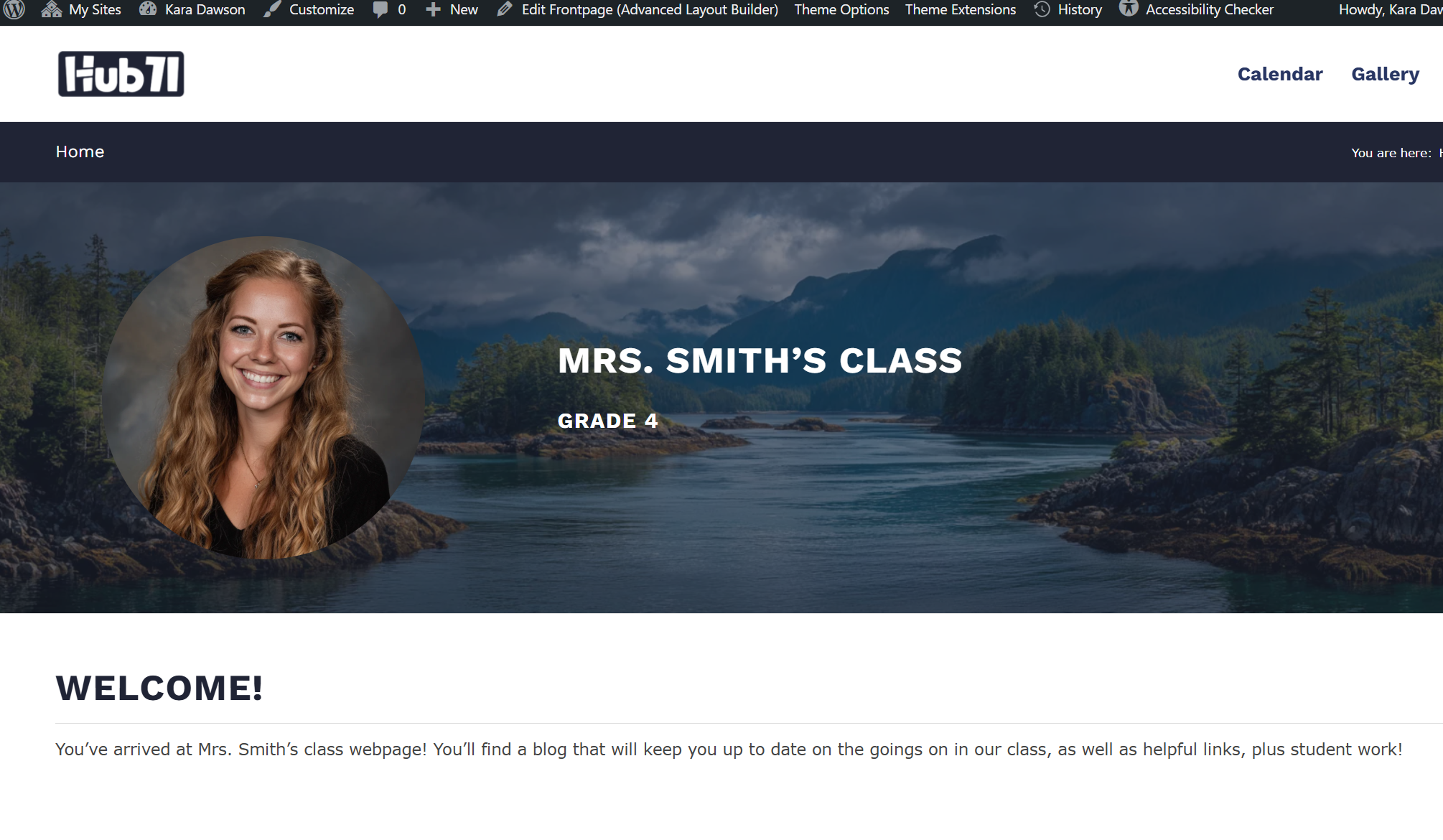
Use these step-by-step guides and videos to make your website your own. Please scroll down to see all the options. You can also find loads of helpful videos and instructions here: WordPress Starting Guide – Learn71 (these are geared more towards school websites)
Don’t Forget
To save your changes click on 
Getting Started With Your Template
Follow a manual added link
 How to Log In
Follow a manual added link
How to Edit
Follow a manual added link
How to Add and Change Images
Follow a manual added link
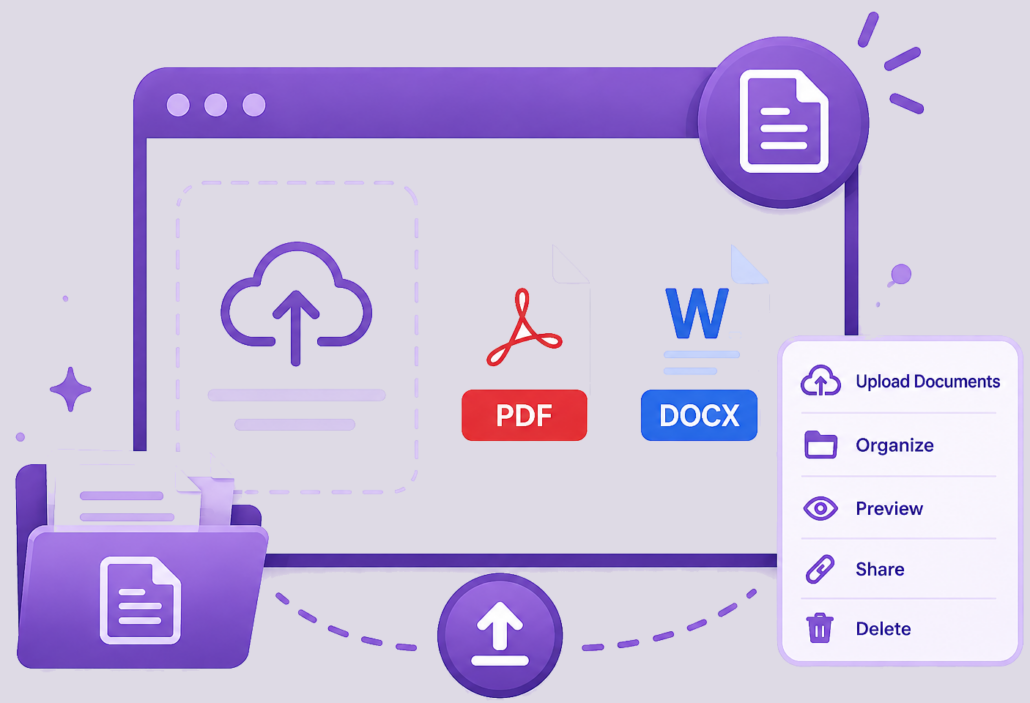 How to Add Word Docs and PDFs
Using the Text Block
Videos By Brendan Gallagher
Follow a manual added link
 Adding Content to the Text Block
Follow a manual added link
 Adding Images to the Text Block
Follow a manual added link
Adding Video to the Text Block
Using Your Blog
Use Posts on the left in your editing dashboard.
Follow a manual added link
 Getting Started with your Blog
Follow a manual added link
 Editing your Blog
Follow a manual added link
 Using Categories in your Blog
Follow a manual added link
 Using Tags in your Blog
Follow a manual added link
 Scheduling Blog Post Release Time
Other Features
Follow a manual added link
 How to Add Events to your Calendar
Follow a manual added link
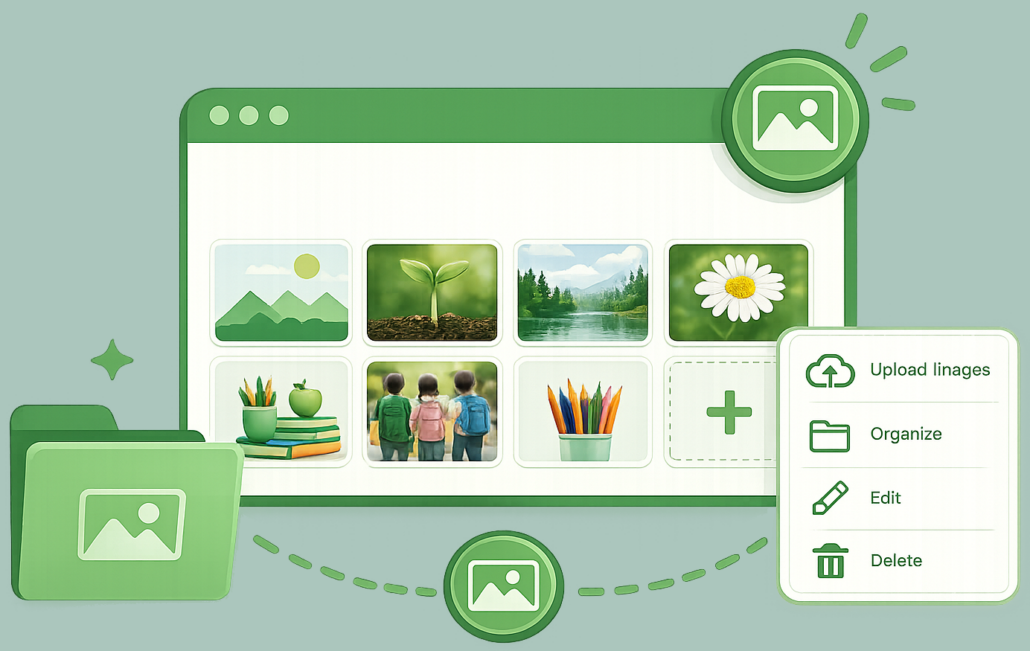 How to Work with your Image Gallery
Follow a manual added link
 How to Change the Look of your Gallery
Adding Pages to Your Website
Follow a manual added link
 How to Create a New Page
Follow a manual added link
 Setting up Your Page
Follow a manual added link
 How to Password Protect a Page